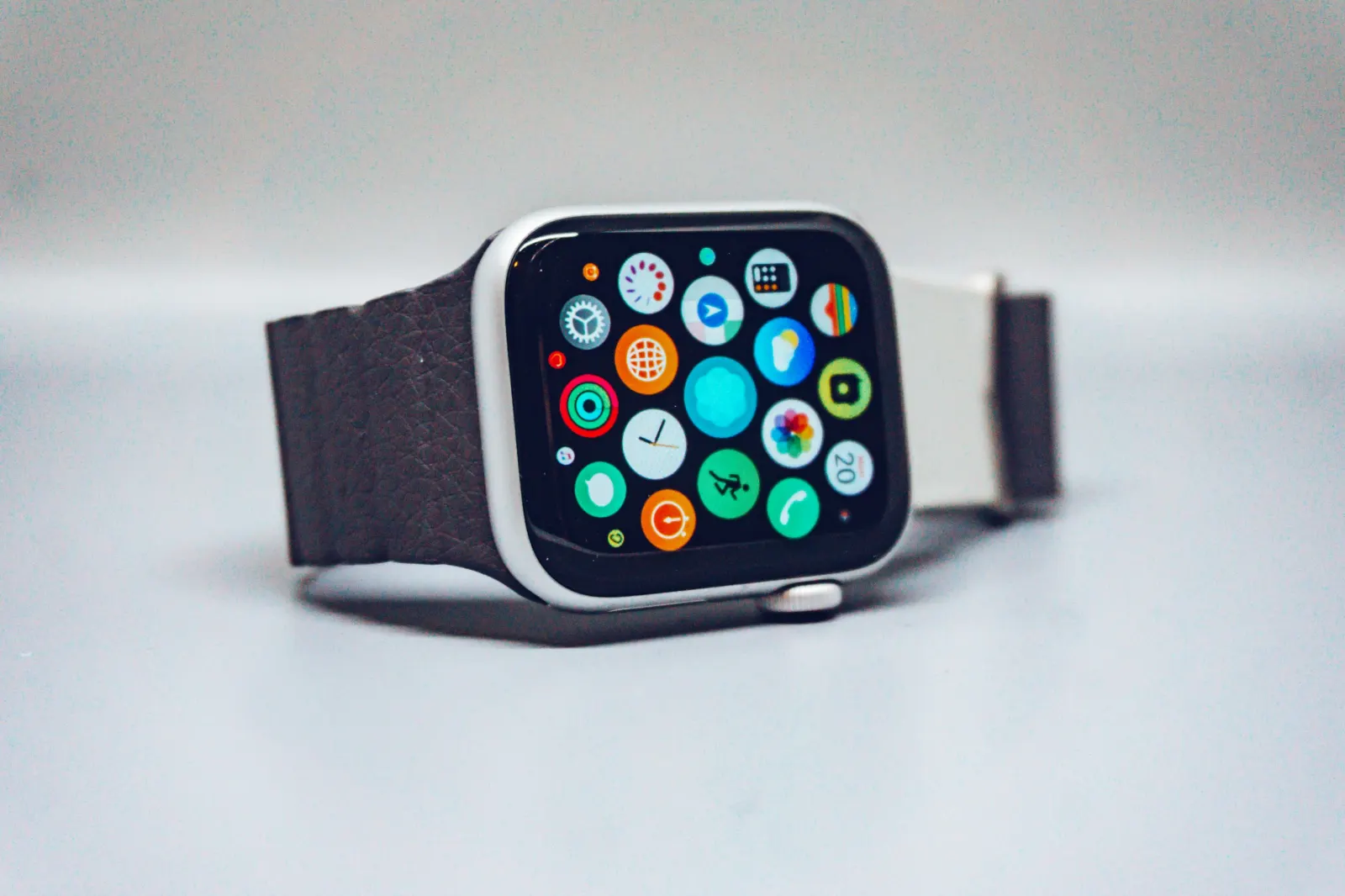
Choose a running watch around the longest activity you need to record, the phone you use and the information you want during the run. “Best for a marathon” and “under $100” are not complete specifications, and a past price is not a current offer.
Build a shortlist from requirements
Write down whether you need a readable pace display, route navigation, structured workouts, contactless payment, music or live location sharing. Mark the features you genuinely require. Then check the exact model's official specifications and supported phone software.
Apple Watch and Garmin each cover multiple models and software generations. Comparing the brands without naming the devices obscures important differences. Use Garmin's running-watch catalogue to locate model documentation rather than assuming every Garmin includes the same navigation or training features.
Interpret battery claims carefully
An all-day battery claim is not a continuous-GPS runtime guarantee. Check the tested mode, whether music or cellular use is included, and what a low-power setting changes. For a used watch, ask about battery condition, return options and the ability to remove the previous owner's account lock.
Leave time for a realistic trial before an event. A long recording with the settings you intend to use gives more relevant evidence than a brief setup session indoors.
Series 10, Ultra bands and phone-free runs
Apple's Series 10 technical specifications list its sensors, running features and tested battery conditions. Check those alongside the installed software; this guide does not imply Series 10 is the latest model or the best current purchase.
For a replacement band, verify compatibility, wrist fit and fastening security with the exact case size. The presence of “Ultra” in an accessory title does not prove compatibility with every Apple Watch.
A low-cost GPS recorder can log a route without providing an internet connection. If supporters need to follow you, verify the separate live-sharing requirements and any ongoing service cost.
Check your data workflow
Record one trial activity, confirm the saved route and test the intended export. See Health and Strava sync and watch metrics. Runwiv is in pre-launch, so do not buy a watch solely for an unconfirmed Runwiv feature. No products or prices here are presented as independently tested recommendations.